 TVoIP
IPTV, made easy for your TV
Your provider's channels, a full TV guide and favourites. On Android TV and Fire TV.
In the Downloader app on your TV, type
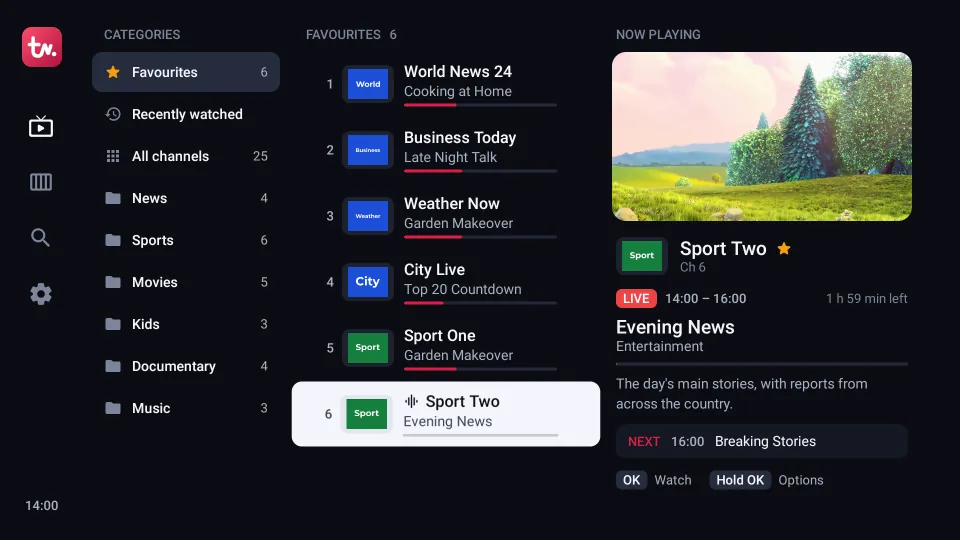
Set up from your phone
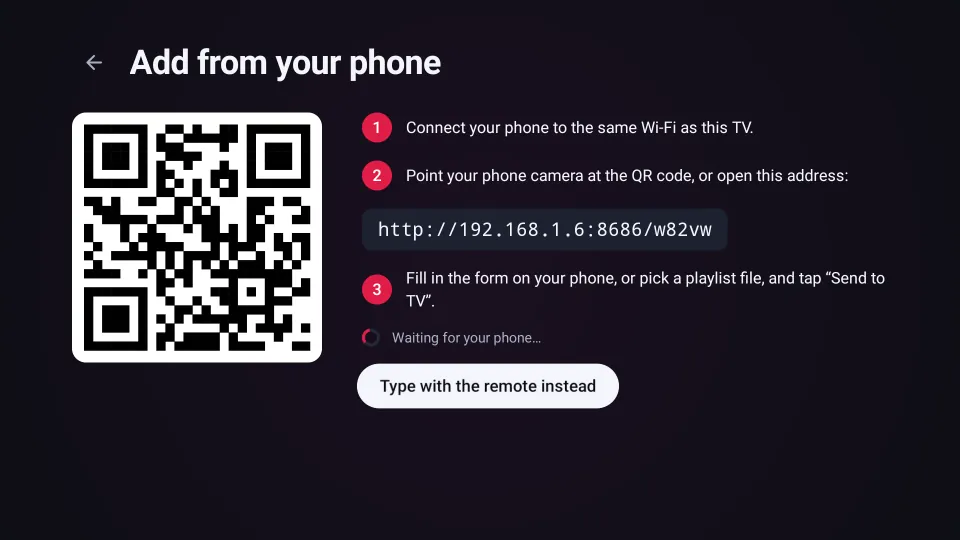
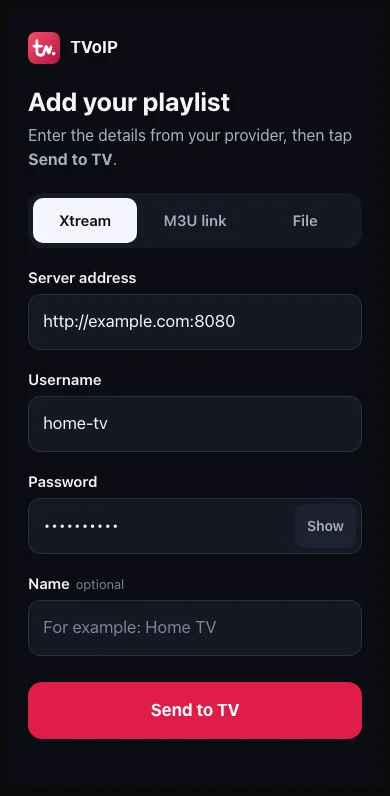
Scan the code on your TV and type your playlist on your phone. Works with M3U links, files and Xtream logins.
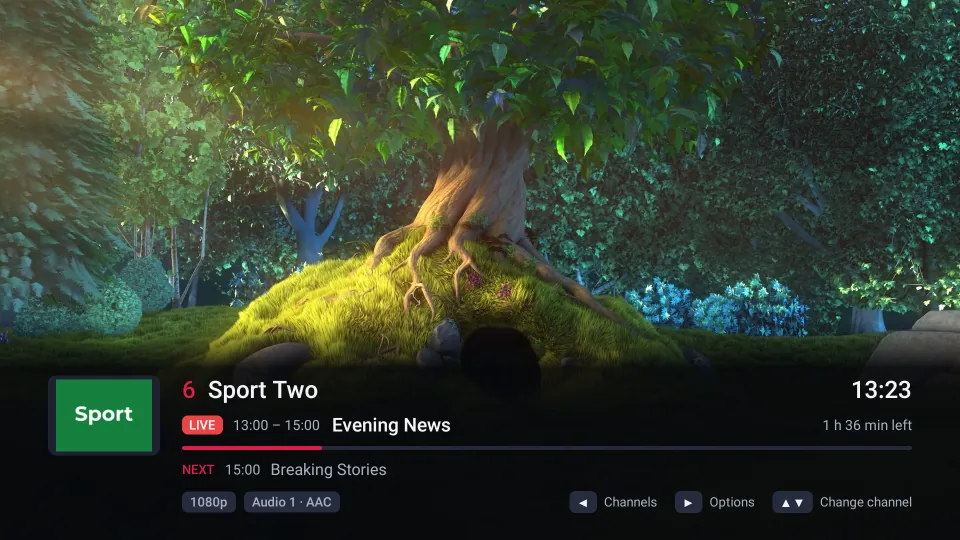
One key, one job
- ▲ ▼Change channel
- ◀Channel list
- ▶Audio and subtitles
- 0–9Go to a channel
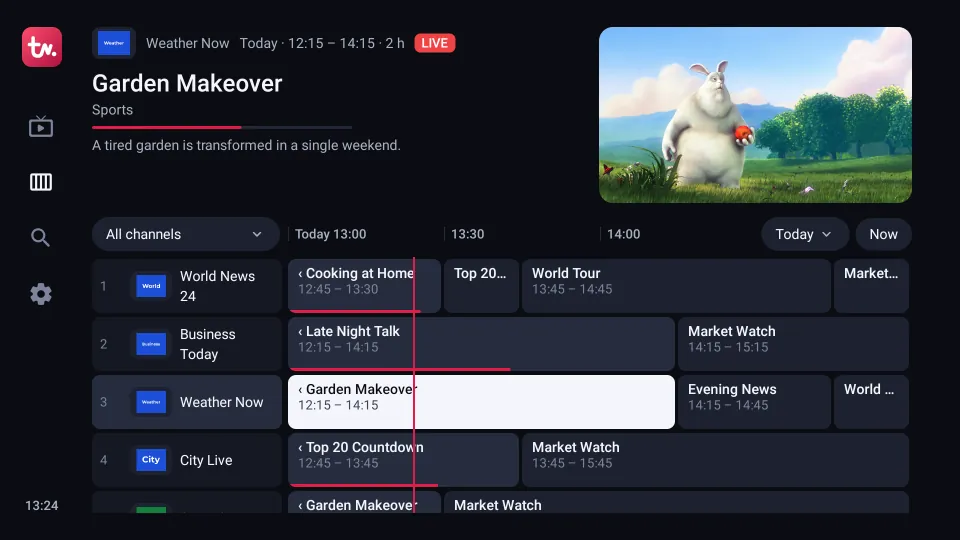
A TV guide that works
See a week ahead, set reminders and watch shows from the start.
More features
- Favourites on the home screen
- Movies and series
- Parental PIN
- Reconnects by itself
- Backup to your phone
- Protected channels
Install
Install Downloader from the Fire TV search.
Turn on Settings → My Fire TV → Developer options → Install unknown apps → Downloader.
No Developer options? In My Fire TV → About, select your device name 7 times.
In Downloader, type
tvoip.in/getand select Install.
Install Downloader from Google Play on your TV.
In Downloader, type
tvoip.in/get.Allow Downloader to install apps when asked, then select Install.
Download the APK and open it.
Allow your browser to install apps when asked, then tap Install.
Questions
Does TVoIP come with channels?
No. Add the playlist or login from your TV provider.
Is it safe to install?
Yes, from tvoip.in. Every version is signed with the same key, and Android checks each update. Don't install copies from elsewhere.
How do I update?
Install the new version over the old one. Your playlists and settings stay.
Where is my data stored?
Only on your TV. There's no account or tracking. Privacy policy